How to animate an old photograph
A practical route from the photograph in your album to a short video you can keep.
Read the guideFrom a careful scan to a video you keep. Practical guides to choosing a photograph, giving it movement and looking after a memory.
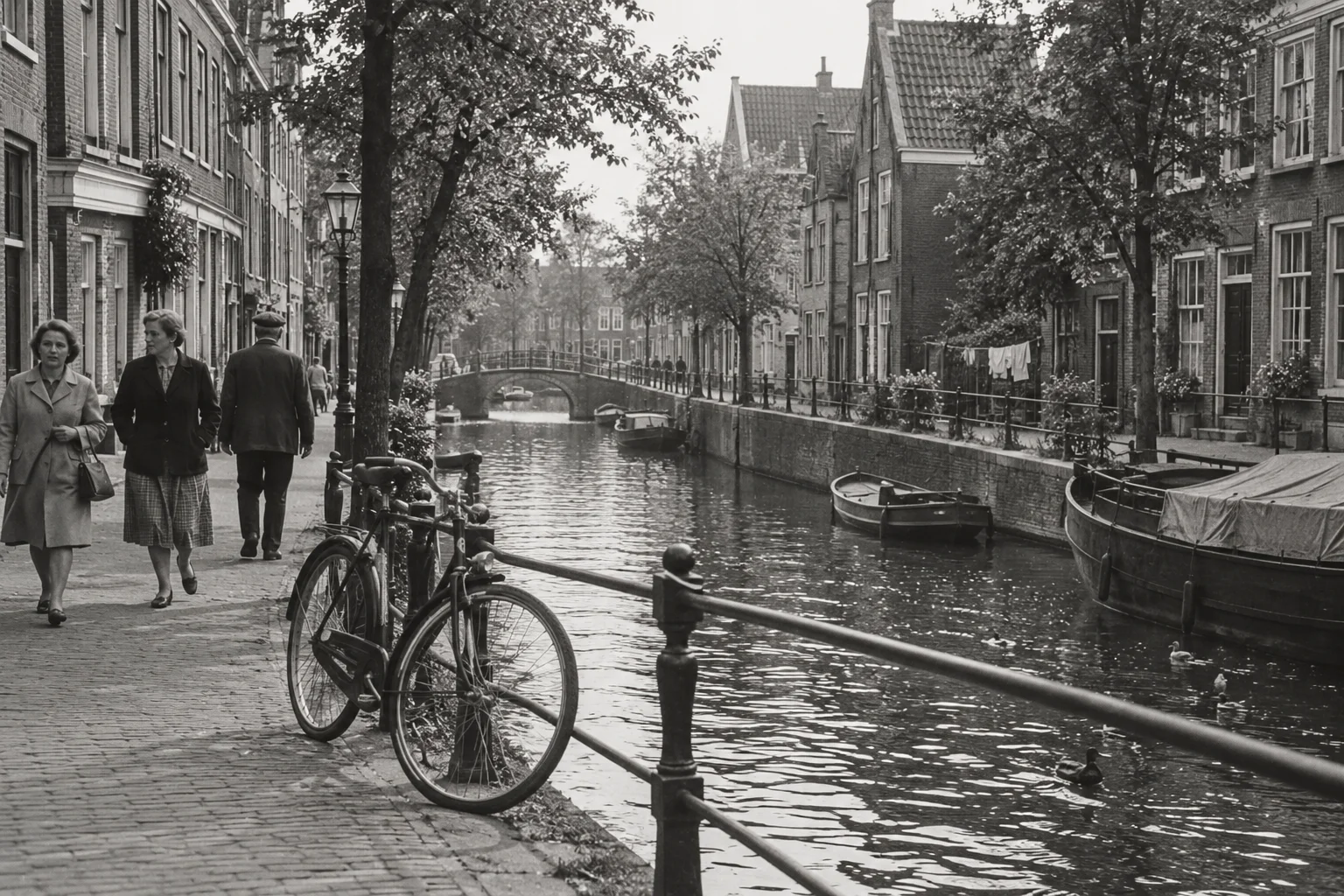
Explore what animation can add and how to give an image a fitting direction.
A practical route from the photograph in your album to a short video you can keep.
Read the guideWork with the light, expressions and details already present in a monochrome photograph.
Read the guideKeep a familiar face at the centre of the video, with a clear source and a modest idea for motion.
Read the guideChoose a shared moment without losing sight of the individual faces that make it yours.
Read the guideTurn a vague idea into one clear direction that fits the photograph you have.
Read the guideThree different intentions, and why it helps to decide what you want to keep before you begin.
Read the guideChoose how long to linger, with a clear view of how your allowance is used and the purpose of the clip.
Read the guideSmall choices when scanning, cropping and selecting help your photograph find its footing.
A careful phone photograph can be a practical first step when you do not have a scanner.
Read the guideMake an archive copy first, then a separate image suited to the video you want to create.
Read the guideCheck the file, framing and important details before using your allowance on a video.
Read the guideChoose by meaning, visible detail and comfort rather than trying to find a perfect picture.
Read the guideSharing a memory sometimes calls for a little extra care. Find a thoughtful place to begin.
Choose a photograph that belongs to your relationship, and give it with the story of why you chose it.
Read the guideUse a familiar activity or place to begin a conversation, rather than trying to summarise a whole relationship.
Read the guideChoose a shared chapter and prepare a short video that can sit beside the original photograph.
Read the guidePlan a few conversation starters, check the files beforehand and leave space for people to tell their own stories.
Read the guideChoose a familiar pose and take time to decide whether an animated interpretation is something you want to keep.
Read the guideKeep the photograph, its context and the video in a way you can find again later.
Build a small system that keeps pictures, names and uncertainty together without turning the project into a chore.
Read the guideSave the source, the story and the downloaded video so your collection remains understandable on your own devices.
Read the guideDownload a file, add clear context and choose the people and channel you want to use.
Read the guidePlan the story outside the app, create individual clips and keep historical facts separate from generated motion.
Read the guideBegin with one clear image. Give it a title, choose a length and keep the video in your private collection.
Bring a photo to lifeYour photos stay private.