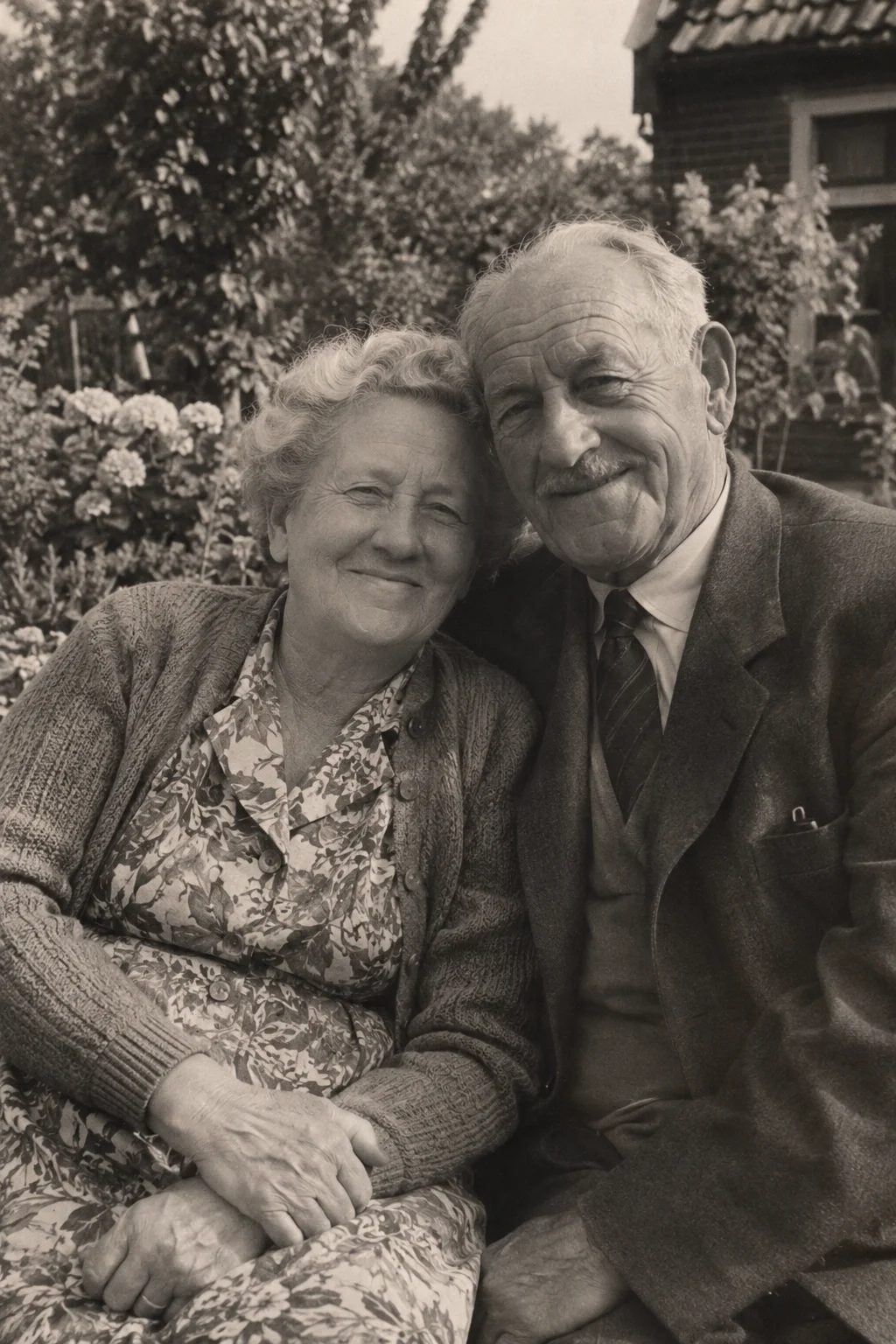
Start with a photograph you already care about. It could be a portrait, a street or a day out. You do not need to know the exact date to create a video, but keeping the story beside the picture makes the result more meaningful.
Photo animation creates new movement from a still image. It does not recover the original moment. VividMemory adds ambient sound suited to the scene; it does not recreate someone's voice or a conversation from the past.
Choose one moment
Look for a clear subject and a composition you enjoy as a photograph. A small gesture or a little atmosphere gives the animation somewhere to begin. A very damaged, tiny or indistinct image leaves more for the generation to interpret.
If you have several versions, use the clearest available original scan. Keep an untouched copy separately. The animation is another way to enjoy the picture, rather than a replacement for your family archive.
Prepare and upload the image
For a paper print, make a scan or photograph it straight on in even light. Crop away the table, scanner bed and unrelated album pages. VividMemory accepts JPEG, PNG and WebP images up to 20 MB and 40 megapixels.
- Sign in to your account and open the creation page.
- Choose the prepared image and check the preview.
- Add an optional title and a short motion instruction.
- Choose six seconds using one from your allowance or ten seconds using two from your allowance, then create the memory.
Give the scene a little direction
Describe a restrained action that fits what is visible: a subtle head movement in a portrait, or gentle movement in trees beside a house. You can leave the direction empty. A long list of actions can introduce competing ideas, particularly in a short clip.
A prompt is a request, not a guarantee. Faces, hands and background details can change. Review the finished video before deciding whether it is something you want to keep or show to another person.
Keep the photograph and its interpretation
When the memory is ready, watch it in your private collection and download the finished video if you want a local copy. Keep the original image, the animation and a note about the people or place together. Describe the video as an AI-created animation when sharing it.