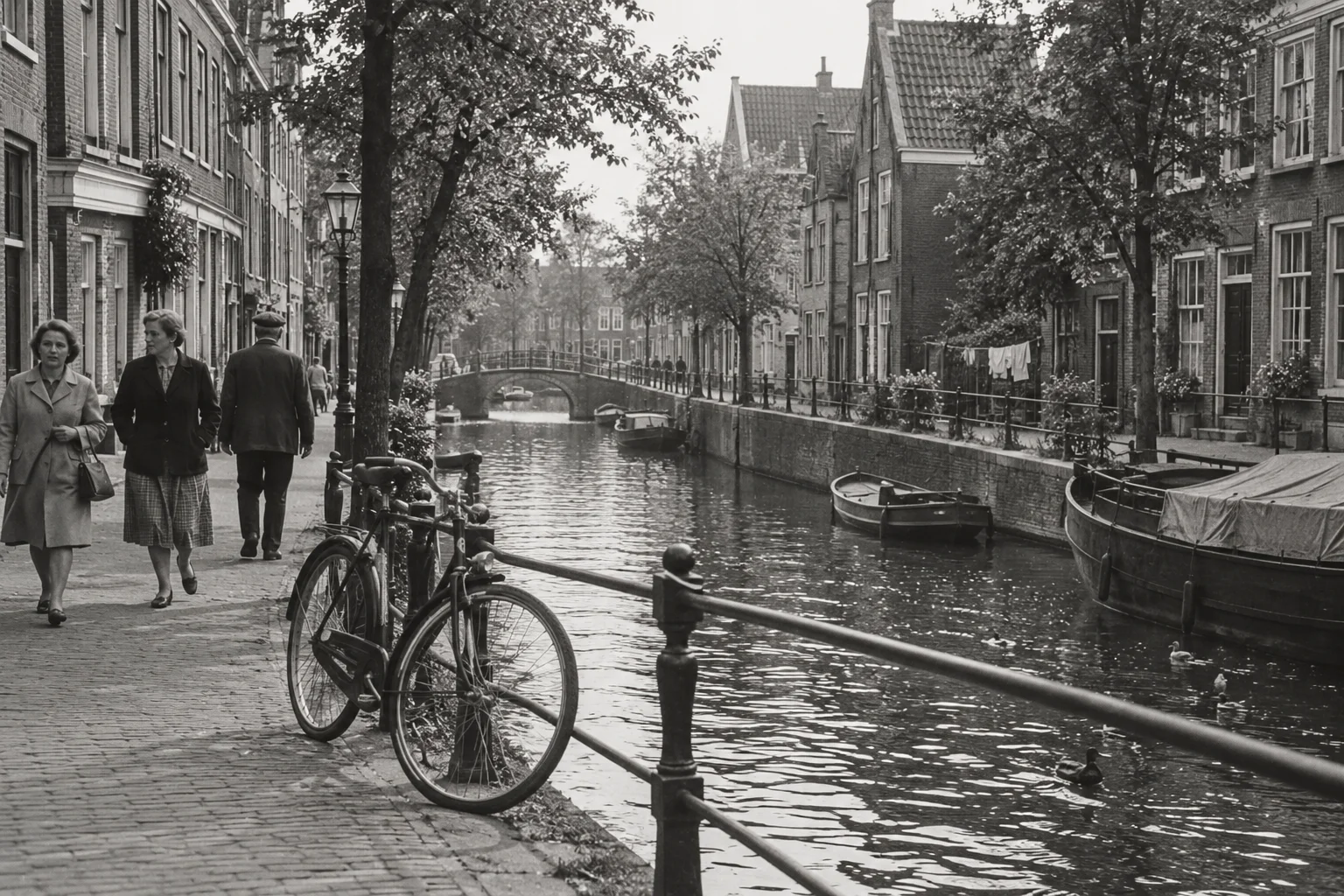
You can create a memory without writing a prompt. If you do have a particular idea, a short instruction can express it more clearly than a long description of everything you remember about the day.
Treat a prompt as direction for an imaginative video. It does not control every detail or recover an action that happened after the photograph. The examples below are starting suggestions, not claims about tested or guaranteed results.
Build around one visible subject
Use a simple pattern: subject, small movement, atmosphere. For example, “the seated person makes a slight head movement; quiet garden atmosphere.” The photograph supplies the appearance and setting, so you do not need to describe every colour or item of clothing again.
Choose the part of the scene that matters most. If you ask for dramatic camera movement, a waving person and changing weather together, the generation has several competing ideas to interpret in six or ten seconds.
Adapt the direction to the photograph
For a portrait, try “subtle natural movement, relaxed expression, steady camera.” For a group, try “gentle shared movement, keep the gathering together.” For a house or landscape, try “light movement in the trees, calm atmosphere.”
Describe what the image can plausibly support rather than introducing a new event. Walking around a corner, changing outfits or turning to reveal the back of a person requires new details that are absent from the source.
Keep sound and personal history separate
The video includes generated ambient sound suited to the scene. Mentioning a quiet garden or a coastal setting can express the atmosphere you want, but the exact soundtrack is not guaranteed. The app does not recreate personal voices or spoken memories.
Put factual names and family context in a title or a separate note. A motion instruction is not a reliable place to preserve the archive's history. Keep that information alongside the original photograph and identify uncertain details as uncertain.
Review before refining
Watch the completed result before deciding what you would change. Is there too much motion, an unfamiliar expression or a distracting background detail? If you choose to make another memory, simplify the next instruction around the most important preference. A new generation uses your allowance; it is not an editing control for the existing video.
- Name one subject or part of the scene.
- Request one small action or environmental movement.
- Add a short atmosphere preference if useful.
- Read the instruction once and remove competing actions.