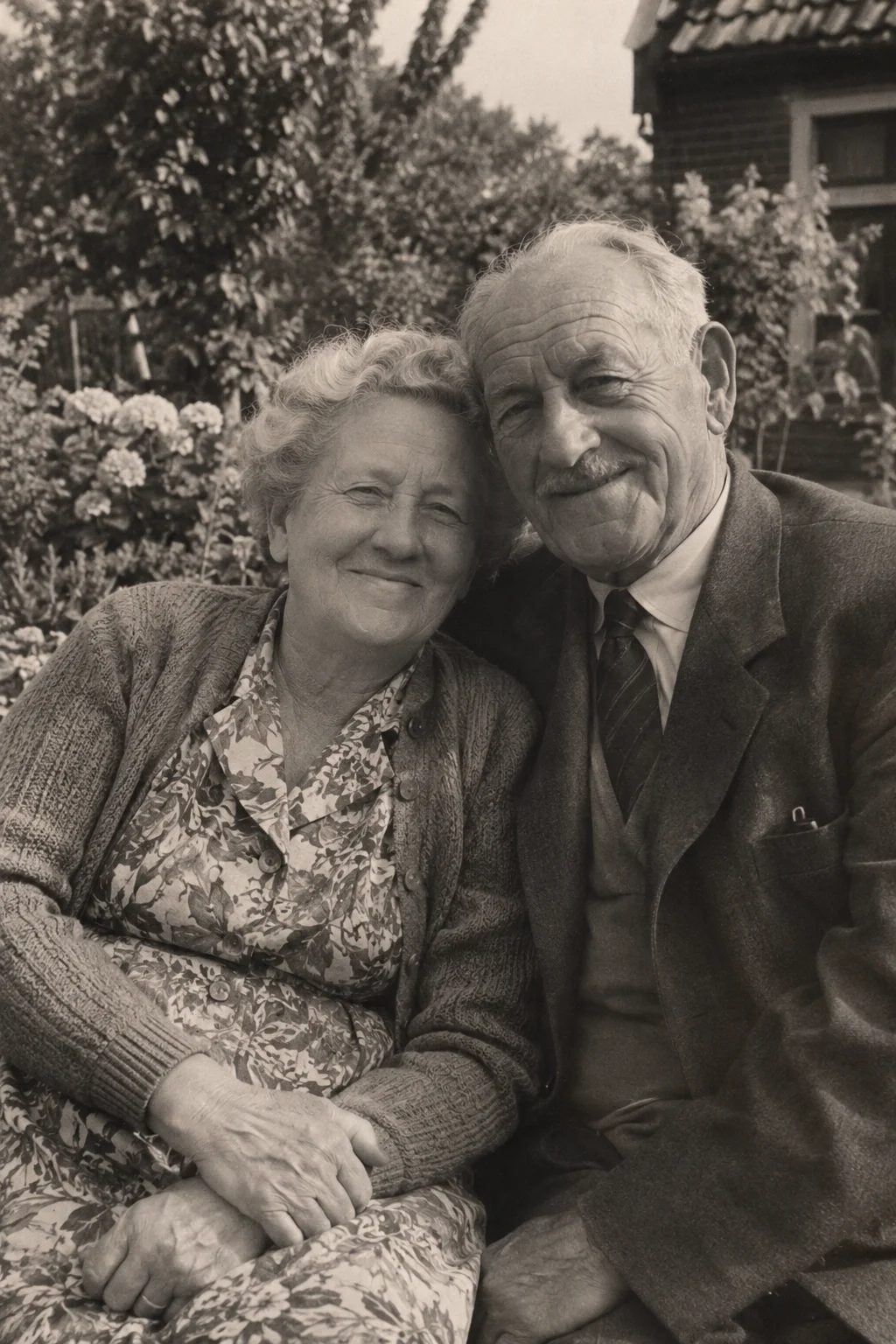
In a portrait, tiny changes matter. A slight movement can feel inviting; an unfamiliar expression can make the same face feel different. Begin with what you recognise in the photograph, rather than asking it to perform an elaborate action.
A generated portrait is an interpretation. It cannot reveal a person's real mannerisms, reproduce their voice or establish what they were thinking. That matters especially when the photograph is of someone you know well.
Look closely at the source
Choose a portrait in which the eyes, mouth and outline of the face are reasonably visible. Large sunglasses, deep shadows or severe damage can leave important details obscured. Making a small image much larger does not recover details that were missing.
Leave enough space around the head and shoulders to understand the pose. Cropping very tightly can cut off hair, hands or the edge of clothing. Compare a modest crop with the full photograph and decide which better preserves the person you recognise.
Ask for a small gesture
A restrained starting direction is “subtle head movement, relaxed expression, steady camera.” If the person is already smiling, ask for a gentle continuation of that mood rather than a large change. Choose one main idea so the clip has a clear focus.
Avoid assuming that a prompt can lock a face perfectly. Generated movement can alter features or expressions. A turn away from the camera requires new views of the head; a broad smile requires new detail around the mouth.
Choose time for the gesture
Six seconds uses one from your allowance; ten seconds uses two. Both include animation and ambient sound. Think about how long you want to sit with the portrait, not whether the longer option will recover a more accurate likeness.
The video includes ambient sound. That can supply atmosphere around a portrait, but it does not add a recreated personal voice. If sharing the clip, a written caption with your own memory is a clearer way to explain who the person was.
Review recognition before sharing
Watch the entire clip, then look again at the original. Do the expression, face and clothing still feel acceptable to you? There is no obligation to share a result simply because it completed. For someone else's portrait, consider their comfort with an animated version.
- Keep the untouched scan as your reference.
- Upload the chosen JPEG, PNG or WebP within the file limits.
- Write an optional modest motion direction and choose a duration.
- Review the result privately before downloading or showing it to anyone.