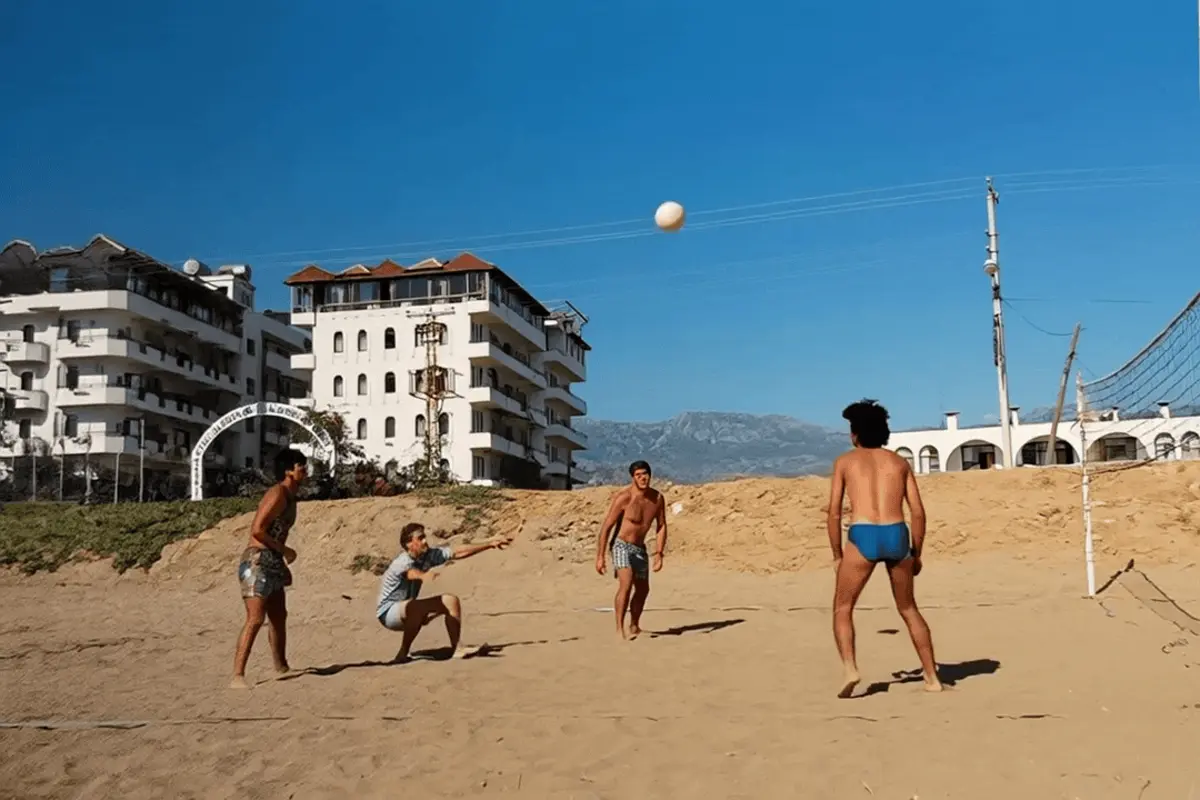
A short memory does not need to fit a whole life into a clip. Its job can be much smaller: let a portrait breathe, spend a moment in a familiar place or introduce a photograph before you tell its story.
With VividMemory, a six-second video uses one from your allowance; a ten-second video uses two. Both include animation and ambient sound. Duration is a choice about time and budget, rather than a separate quality upgrade.
Give the clip one purpose
For a portrait with a modest gesture, six seconds may be enough time for the way you want to watch it. For a place where you want to linger, you may prefer ten. Think about the viewing experience rather than assuming more seconds will make the interpretation more accurate.
Keep the action simple for either choice. Ten seconds does not turn a single photograph into a complete scene with a beginning, middle and end. New actions and angles still require generated details that were not present in the image.
Plan your allowance alongside the photo count
A collection of five six-second memories uses five from your allowance. Five ten-second memories use ten from your allowance. A mixed set of three six-second clips and two ten-second clips uses seven. These are allowance calculations, not prices; current purchase prices are shown on the pricing page.
If you have five available in your allowance and choose only ten-second videos, you can fund two creations and have one left in your allowance for a six-second memory. Decide which photographs deserve more time before starting, especially if you are working toward an occasion.
Review before creating another version
A longer new generation is not an extension of a completed shorter video. It is another creation, uses the relevant amount from your allowance and may interpret the image differently. The app does not provide a control to stretch an existing memory to the other duration.
Watch for recognisable features, comfortable motion and suitable atmosphere. If something looks wrong, more time alone is not a promise of a better result. Consider the source image and the clarity of your direction before using your allowance on another version.
Think about where you will watch it
A clip shown on a phone, included in a family gathering or kept privately may serve different purposes. Leave time to introduce the photograph in your own words. The generated ambient sound is atmosphere, not narration, so important names and context belong in a separate note.
- Choose the photograph and one motion idea.
- Decide whether six or ten seconds suits your viewing plan.
- Check that your allowance covers the duration you chose.
- Review the result and download the completed file if you want to keep it locally.