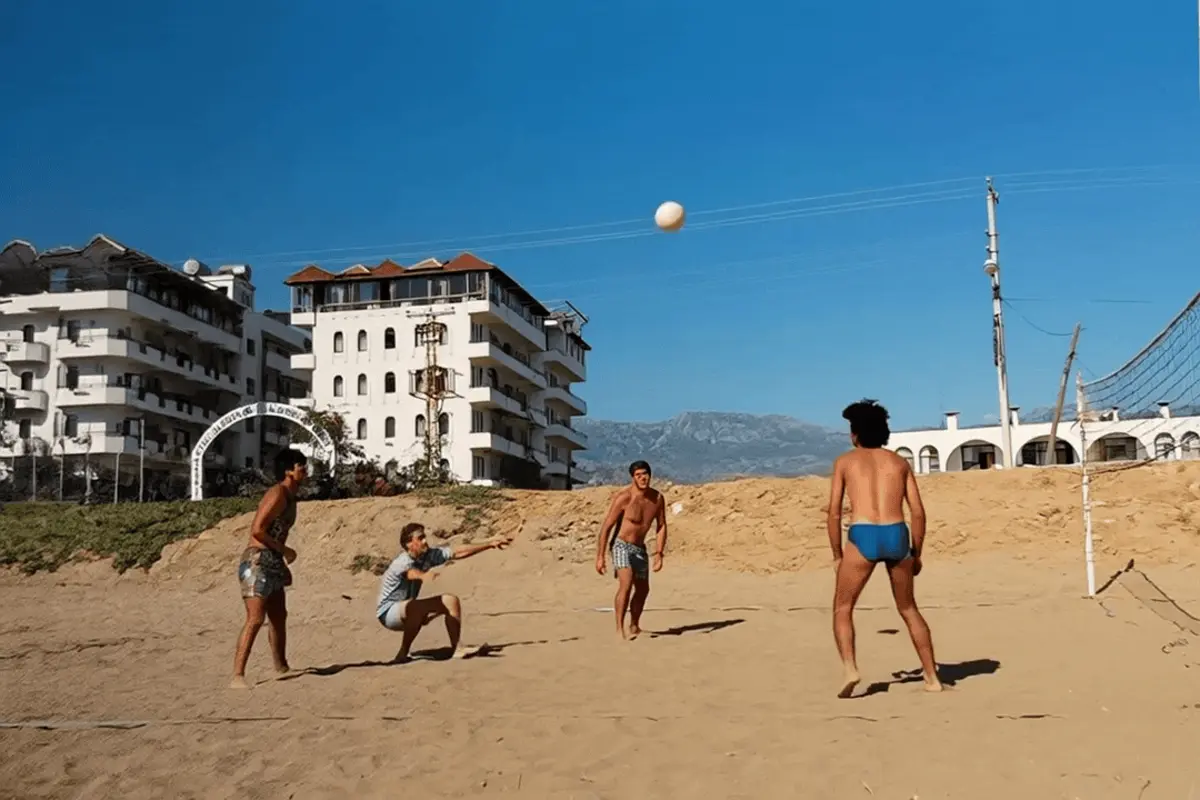
Your VividMemory collection is private. There is no public memory page or recipient invitation link. To give someone a copy, download the completed video and share that file through a channel you choose.
This is a useful moment to think about both access and context. Who should receive the file, and what should they know about the photograph and its animation? A clear explanation can prevent an imagined scene being mistaken for recovered footage.
Download and check the file first
Open the completed memory, download it and find the saved video on your device. Play that local file before sending. Confirm that the image and sound are suitable and that the download did not leave you with only a link or an incomplete file.
Temporary playback and download URLs are not permanent sharing pages. Do not send your password or ask someone to use your account. A downloaded file can be watched separately from your private online collection.
Add a short, honest introduction
Name the people or place you can identify and explain why you chose the photograph. Say that the movement and ambient audio are AI-created. If a date is approximate or a name uncertain, keep that uncertainty visible.
You can send the original photo beside the clip. This makes the starting point clear and gives someone the choice to enjoy the still image. The video does not recreate a person's voice or establish their actual behaviour.
Choose the audience deliberately
Ask before sending an animated portrait that could be sensitive or surprising. Being in a family group does not mean every image belongs in that group. A private conversation or an in-person viewing may suit the memory better.
Once you share a downloaded copy, you cannot control where recipients forward it. Removing the memory from your account does not remove copies you have already given away. Use that distinction when deciding how widely to share.
Check the receiving experience
Different messaging and storage tools handle video files differently. Some compress attachments or have their own file-size limits. Check your chosen service and, when practical, ask the recipient whether the file opens clearly.
For an event, test the video on the actual screen and speakers ahead of time. If you need captions, an introduction slide or several clips combined, use an external editing tool. VividMemory does not provide a slideshow or public sharing editor.
- Download and play the saved file locally.
- Prepare a brief factual caption that identifies the animation.
- Ask whether sensitive images are welcome.
- Send through a suitable channel and confirm it opens.
- Keep an independent copy for your own archive.