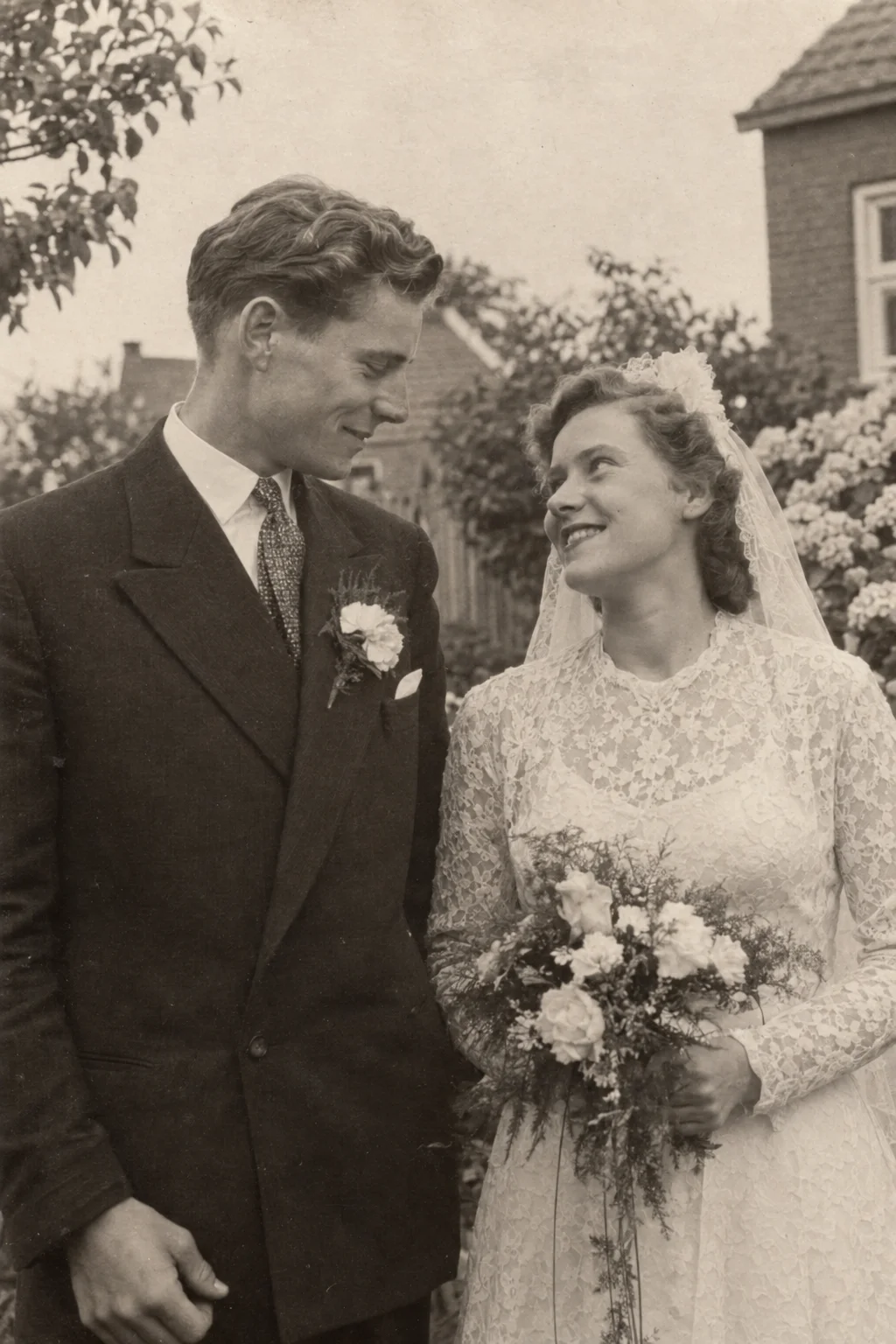
An anniversary picture does not have to come from the wedding day. A first home, a favourite trip or an ordinary moment together may say more about the years that followed.
Choose the photograph with the people receiving it in mind. The animation can be a small addition to the occasion, alongside the original and a note, rather than an attempt to turn the whole relationship into one video.
Choose one chapter, not every milestone
Decide what the memory is about: the beginning, a place shared over time or a day both people still mention. If you have many photographs, choose one for this creation and keep the others as a separate album or presentation plan.
A group wedding photograph may contain guests whose faces deserve attention too. Check the clarity of the couple and everyone important to the scene. A closer photo can be easier to review, but only use a crop that preserves the relationship you wanted to show.
Write a caption that stays true
Include known names, the place and a date only if you know it. A phrase such as “our early years in this house” is more honest than an invented exact year. If the picture has a story, write it in your own words beside the clip.
Explain that the movement and ambient sound are generated from the photo. The video is not recovered wedding footage or an audio recording of the couple. VividMemory does not recreate vows, conversation or personal voices.
Plan your allowance and the review time
Six seconds uses one from your allowance and ten seconds uses two, with animation and ambient sound. Decide how long you want viewers to sit with the image, then check current prices and your available balance. A new attempt is a separate generation, not an edit of the first clip.
Create before the date on which you need the file. There is no guaranteed completion deadline. Review expressions, hands, clothing and background details in private. If the result does not feel right, the original photograph and your note can still carry the gesture.
Choose a suitable way to give it
Download the completed video and test the file on the device you plan to use. For a gathering, check sound and playback beforehand instead of relying on account access during the event. For a private gift, show the source first and let the recipients choose whether they want to see the animation.
- Choose a shared chapter and one clear photograph.
- Prepare the image and a factual personal caption.
- Create early and review all important faces.
- Download, test playback and give the file in a comfortable setting.