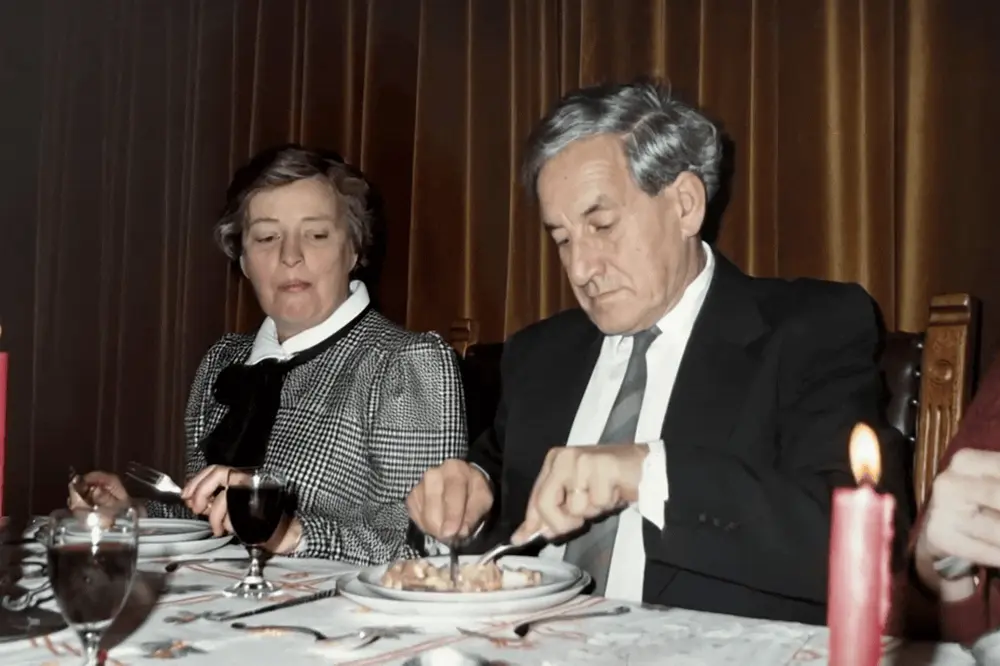
A group photograph contains several stories at once. Someone is looking at the camera, another person is laughing, and someone at the edge may be half hidden. The challenge is giving the scene a little movement without expecting every person to follow a different instruction.
Begin by deciding what matters: the entire gathering, a particular relationship or a smaller group within the picture. That choice helps you prepare the image and judge the completed animation.
Check every face you want to include
Open the image at a useful size. Are the important faces visible, or are some only a few indistinct pixels? Check the edges for cut-off heads and the foreground for overlapping hands. A large image can still contain very small faces if the group is far away.
If a few people are the focus, make a separate crop while preserving the original. Leave space around them and avoid cutting through other people where possible. A crop clarifies your intention; it does not restore hidden facial details.
Keep the movement shared and simple
Try one scene-wide direction, such as “gentle natural movement, keep the group together, steady camera.” Requesting a wave, a turn and a conversation from different people introduces many new actions into a short video.
You cannot assign precise animation controls to each face in VividMemory. The optional prompt gives general direction. People may move differently from your request, and expressions or body details may change.
Review the whole group
It is easy to focus on the person you know best and miss changes elsewhere. Watch once for the overall scene, then again for each important face. Look at hands between people and figures near the frame edges as well.
A result that feels right for one person may look unfamiliar for another. Choose whether to keep the clip based on the whole photograph, rather than treating completion as a promise that every face is accurate.
Share the story as well as the clip
Ask before showing an animated version of someone else's portrait, especially if the occasion is sensitive. Pair the downloaded video with the original and a short note naming the people you can identify. Mark unknown names or dates honestly.
- Upload one prepared JPEG, PNG or WebP, up to 20 MB and 40 megapixels.
- Add a title that identifies the gathering without guessing the date.
- Choose six seconds using one from your allowance or ten seconds for two.
- Review the completed memory privately and download it if you want to share a file.