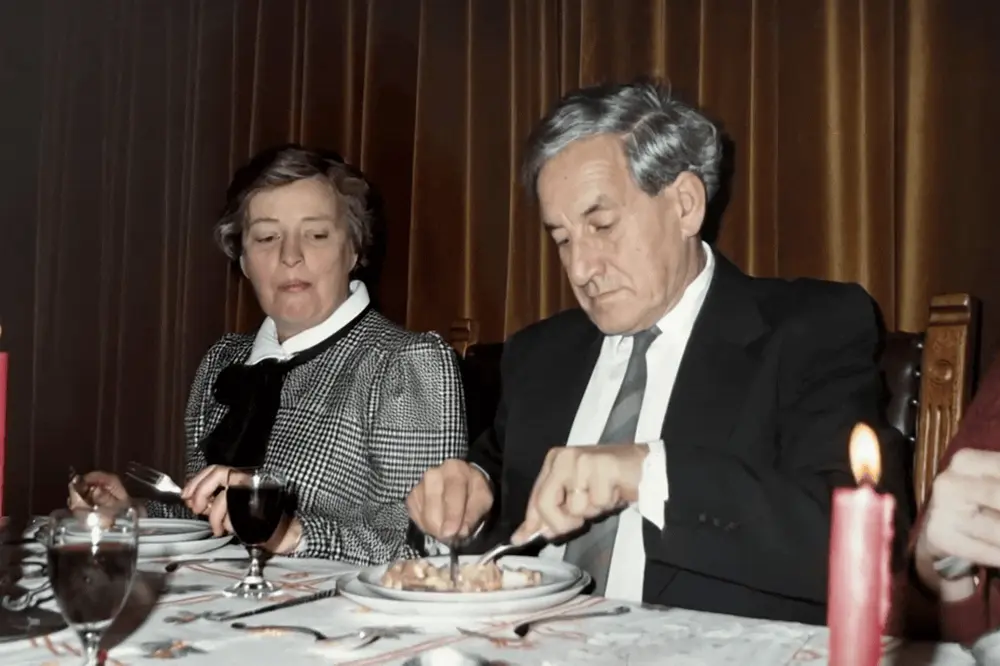
At a family reunion, a photograph can be useful because different people recognise different things. Someone knows the house; someone remembers the person standing at the edge. The video can introduce that conversation without replacing the original picture.
Choose a small set that people can comfortably spend time with. A long sequence of unfamiliar faces can be harder to follow than two or three images with context and a question.
Ask for context before creating
Invite relatives to suggest photographs they are comfortable showing. Ask who is pictured, where the image came from and whether a date is known. Keep the original source and note who supplied each identification.
Do not turn uncertainty into a firm caption just to make the presentation tidy. An “unknown location” can be a useful question for the room. For sensitive images or people who have died, check whether animation is welcome before planning a public surprise.
Choose a balance of people and places
A group photograph can include several branches of the family, while a familiar house or holiday scene offers another route into shared history. Pick images that connect to your gathering, rather than animating every available picture.
Prepare each as a separate JPEG, PNG or WebP, within 20 MB and 40 megapixels. Six-second videos use one from your allowance each and ten-second videos use two. Add up the selected durations to plan your budget before creating the set.
Review the people who will see themselves
For each group video, inspect more than the most familiar face. Check people at the edges, hands and background details. Generated movement may change expressions and appearance. A family member may prefer the still image, and that preference can be part of your plan.
Keep captions and factual context outside the generated motion. The ambient audio is not recorded sound from the reunion photograph. Explain this when introducing the examples so the audience knows what it is seeing.
Prepare playback without account sharing
Download the completed videos ahead of time and test them on the actual screen and speakers. Keep a local copy available so the presentation does not depend on signing in during the gathering. VividMemory does not assemble a slideshow; use separate files or an external presentation tool if needed.
- Select a few photographs with permission and known context.
- Create early enough to review every result.
- Download and put the files in the intended viewing order.
- Test playback and keep the original photos beside them.
- Invite stories without treating generated details as evidence.