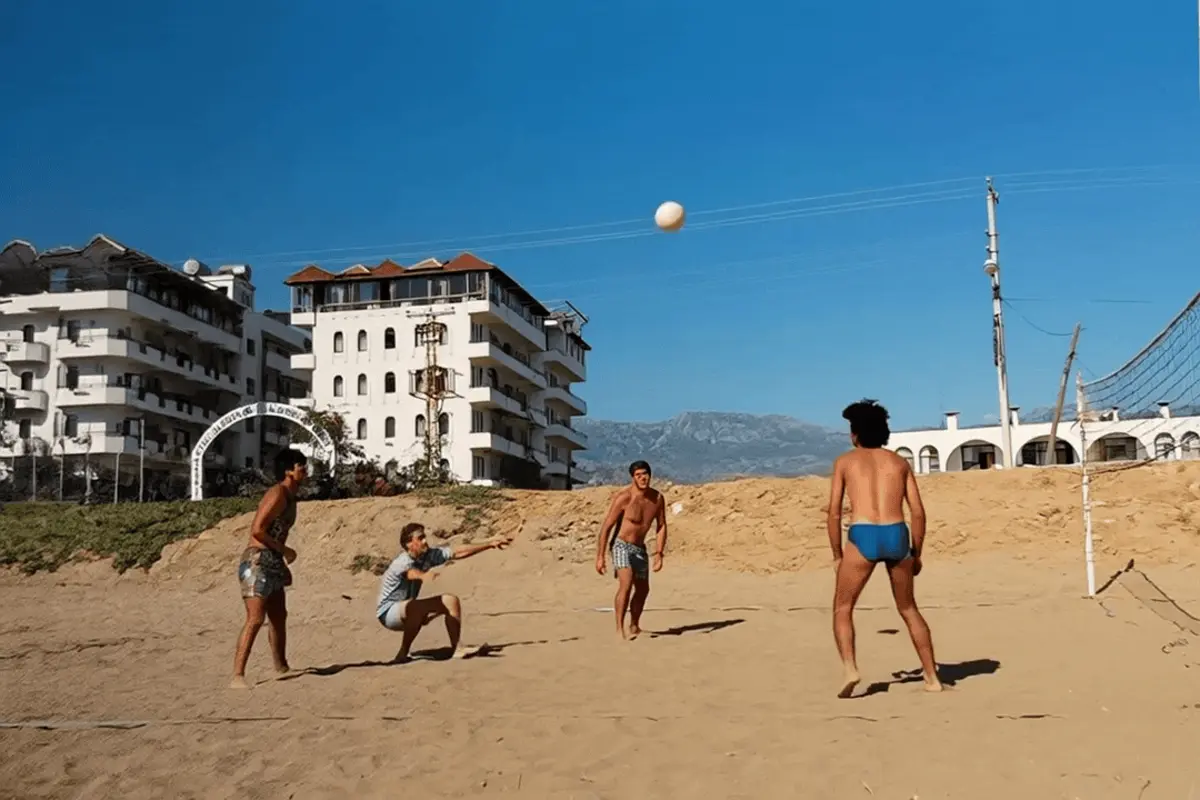
The photograph might show a fishing trip, a workshop, a garden or a holiday with no special occasion attached. An everyday picture can offer more to talk about than a formal portrait chosen only because it looks important.
For Father's Day, let the person's interests guide the project. The goal can be a few minutes together with a photograph, not an impressive presentation or a surprise reaction.
Choose an activity, object or place
Look for something your father would recognise and have his own story about. The people matter, but so might a particular boat, a street corner or the arrangement of a room. Decide which detail is the focus before cropping the image.
You can choose a scene without a close portrait if the place carries the memory. Keep realistic expectations: generated movement may change objects or scenery, and does not establish how the activity really unfolded.
Ask one useful question
Prepare a question such as “Who took this?” or “What do you remember about that place?” This leaves room for a different version of the memory than yours. Record an answer only if he is comfortable, and keep it separate from the generated clip.
Write known context beside the original: names, location, an approximate year and who supplied the information. The app does not provide historical verification or recreate voices. A real story told now should not be confused with the video's created ambient sound.
Create a modest interpretation
For a place, request gentle environmental movement. For an activity scene, avoid asking for a complex sequence that the photograph cannot show. A calm camera and one small motion idea can communicate your intention without inventing a new event.
Upload one JPEG, PNG or WebP within 20 MB and 40 megapixels. Six seconds uses one from your allowance; ten seconds uses two, with animation and ambient sound. Leave time before the occasion to review the whole clip rather than relying on a delivery promise.
Make the handover practical
Download the completed file and test it on the screen you plan to use. Showing it together can be simpler than sending a message attachment he has to figure out. Keep the original photograph available and describe the animation honestly.
If he wants a copy, send the downloaded video through a channel he already uses. Do not share your account or a temporary playback link. VividMemory's collection stays private; it is not a public family viewing page.
- Choose a familiar scene and preserve the uncropped source.
- Prepare one question and a brief context note.
- Create early enough to review the result privately.
- Download and test the file before the day you plan to show it.