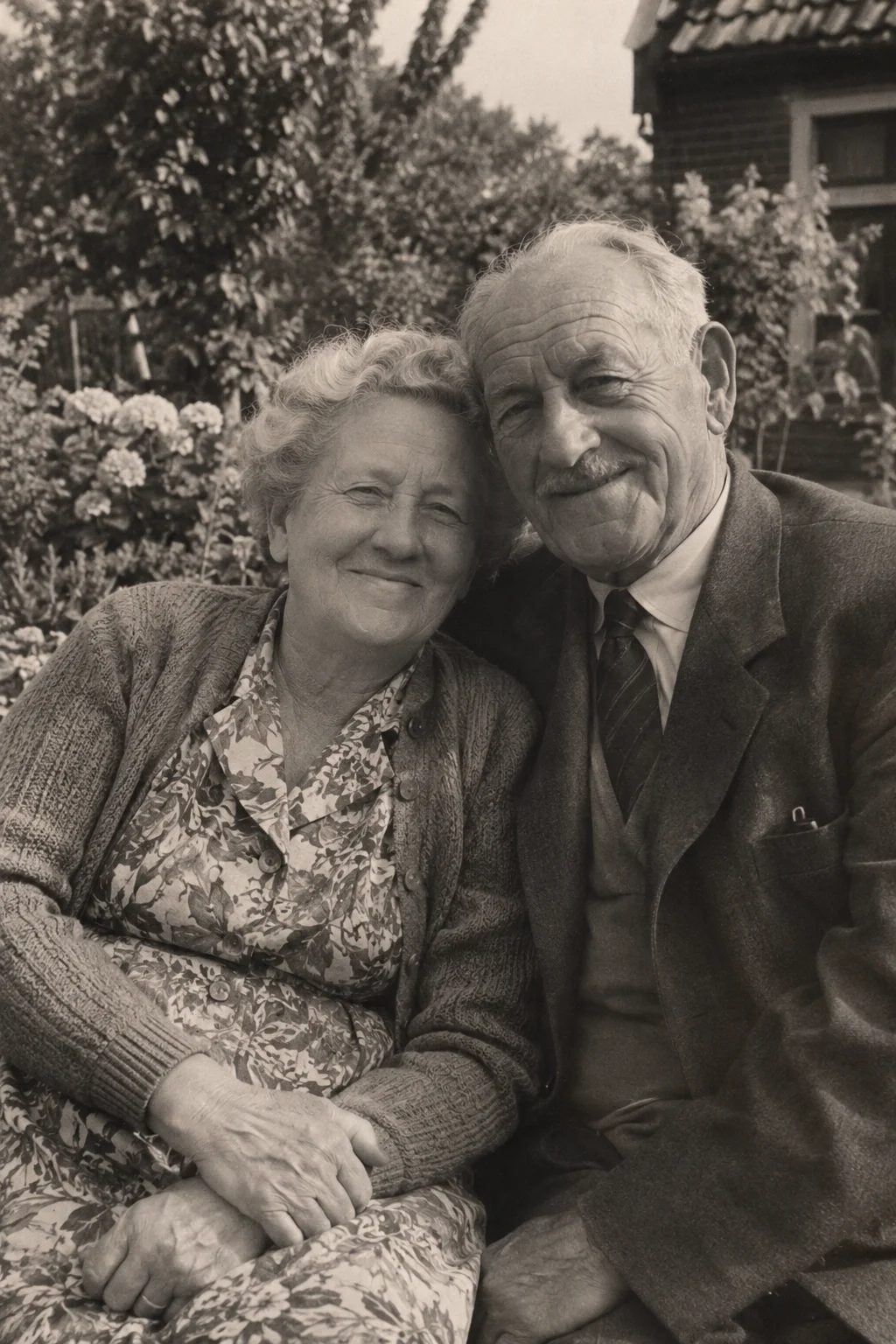
“Bring a photo back” can mean several things. You might want to reduce damage, imagine colour or create a moving interpretation. Those are different goals, even when corrections are included in the finished video.
Decide what you want the finished file to be. A restored photograph for printing, a colour study and an animated memory are not interchangeable outputs. Keeping the original source is useful whichever route you choose.
Restoration focuses on the still image
Restoration aims to address problems such as marks, faded areas or damaged detail in a photograph. The methods and the degree of intervention vary. Where information is absent, a correction may involve interpretation rather than recovery of a known fact.
If your main goal is a still photograph to print or document, choose a service that explicitly delivers that file and suits your preservation needs. VividMemory's output is a video, not a standalone restored-photo export.
Colourisation introduces colour choices
A monochrome image does not establish every original colour. Adding colour can make a scene feel different, but an invented coat colour or skin tone does not become historically certain because it looks convincing.
You can animate a black-and-white source without first making a separate colourised file. If preserving monochrome appearance matters, express that preference in the optional direction and inspect the result. Exact colour treatment is not guaranteed.
Animation creates movement and atmosphere
Animation generates changes over time from the still photograph. VividMemory makes a short video with ambient sound. The video may include restoration or correction, but movement, new details and sound remain an imaginative interpretation.
This is not recovered footage. The app does not recreate someone's voice or verify how they moved. Six seconds uses one from your allowance and ten seconds uses two; both include animation and ambient sound.
Keep versions understandable
Use separate names for the original scan, any prepared copy and the completed animation. Write down which version includes changes. If a relative asks whether the video shows a real recorded gesture, you can answer clearly and show the source beside it.
- State your goal: archive image, colour interpretation or moving memory.
- Keep an untouched original and any known factual context.
- Choose a tool that delivers the output your goal requires.
- Label generated changes when sharing the finished file.