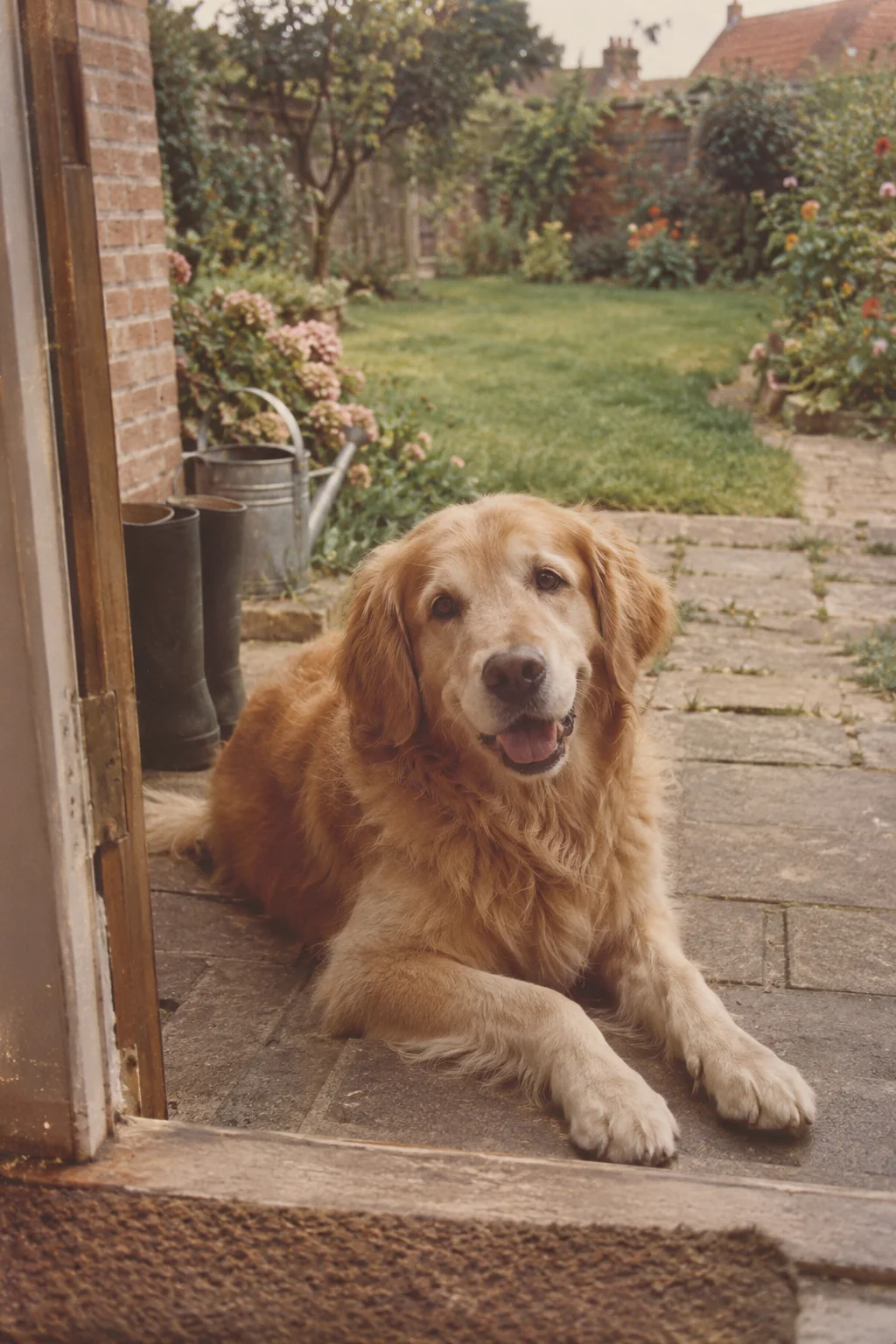
A pet photograph often holds an ordinary routine: a place by the window, a walk or the spot on the sofa that was always theirs. You can begin with that familiar scene without trying to recreate a whole personality.
If the pet has died, an animation may feel comforting, unfamiliar or simply not right for you. There is no required response. You can choose to keep the still image, review a video privately or stop the project at any point before creating.
Choose a pose you recognise
Look for a clear face or body outline and enough of the surroundings to understand the posture. Fur, markings, ears and paws can be important to recognition. Check whether shadows, motion blur or another object hides the detail you care about.
A resting scene may suit a modest motion idea better than a picture already blurred by fast movement. You can also choose a favourite place without the pet in the frame if that feels like the memory you want to spend time with.
Ask for one small movement
Try a direction such as “subtle natural movement, keep the resting pose, quiet atmosphere.” For an outdoor scene, you might focus on gentle movement in the surroundings instead. These are suggestions for a prompt, not guaranteed outcomes.
Do not expect the app to reproduce a particular trick, mannerism or sound you remember. Movement and ambient audio are generated from the scene. A turn, jump or run requires more new detail than the still image contains, and recognisable markings can change.
Keep your own record of the pet
Write down the name, place and story of the source photograph separately. A title can identify the clip, but a fuller note preserves the reason you chose it. Keep the original scan or file alongside the animation.
Upload JPEG, PNG or WebP within 20 MB and 40 megapixels. Choose six seconds using one from your allowance or ten for two. Choose time for how you want to watch rather than expecting a different level of likeness.
Review privately before giving a copy
Look at the features that make the pet familiar to you: the face, markings, shape and posture. It is fine to decide that the interpretation does not suit the memory. If the photo belongs to someone else, ask whether an animation would be welcome before making it a surprise.
- Choose a comfortable photograph and preserve the untouched source.
- Prepare a clear copy and an optional restrained direction.
- Review the completed video in your private collection.
- Download it only if you want a copy to keep or share yourself.