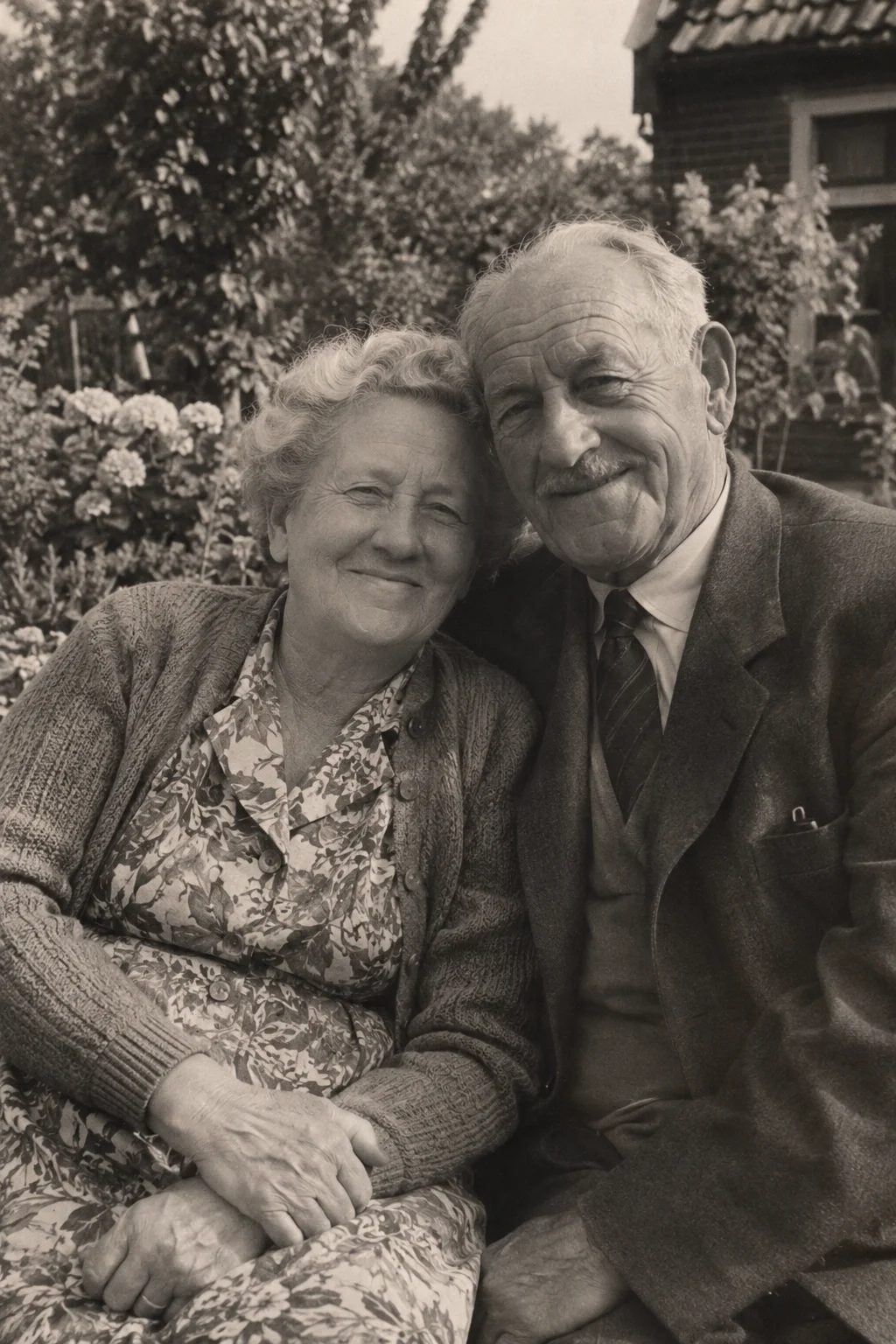
A meaningful Mother's Day photograph does not have to show a perfect family occasion. It might show your mother before you were born, the kitchen you remember or a small moment the two of you recognise.
The useful question is not “Which photo will make the biggest impression?” but “Which photo would she enjoy spending time with?” That keeps the project personal and leaves room for different relationships and feelings about the day.
Choose a chapter she would recognise
Make a shortlist around her interests or your shared memories. A younger portrait, a day out or an ordinary family scene can each tell a different story. If you can ask about the photograph without spoiling your plan, invite her version of the memory.
Avoid assuming an animation is welcome simply because the source is sentimental. If the picture includes someone who has died or a difficult period, ask whether a moving interpretation would feel comfortable. A still photograph and your written note may be the better gift.
Add your own words outside the animation
Write a few sentences explaining why you chose the picture: what you notice, what you remember and what you would like to ask about it. Separate what you know from what you only think happened. Your note does not need to invent a polished family story.
The video includes generated ambient sound, not your mother's recreated voice. VividMemory does not add a narrated letter or provide a greeting-card editor. Give your words beside the downloaded file, in the format that suits her.
Leave room to prepare and review
Make a clear scan or phone capture and keep the original. Choose one modest motion idea and a duration: six seconds uses one from your allowance, ten uses two. Current memory-package prices are on the pricing page.
Start before the day you plan to share it. Generation and review take time, and there is no guaranteed delivery deadline. Check the face and expression privately; if the result feels unfamiliar, do not make the occasion depend on it.
Give a file she can actually open
Download the completed video and try it on the device you will use to show it. If sending it, explain that it is an AI-created animation from the photograph. The recipient does not need your account to watch a file you have downloaded and shared yourself.
- Choose one welcome photograph rather than a whole album.
- Prepare a short personal note and the original image.
- Create and privately review the video ahead of time.
- Download it, check playback and choose a quiet way to give it.